

A good audit score can hide a basic usability problem. The 2025 Web Almanac reported a median Lighthouse accessibility score above 85, yet only 30% of desktop and mobile pages achieved sufficient text-color contrast. A reassuring dashboard doesn't necessarily mean your website works for everyone.
That's the right starting point for choosing website maintenance tools. Buy coverage for a specific job, not a collection of green checkmarks. Your site needs recoverable backups, reliable outage alerts, controlled updates, and someone who can fix problems when automation stops being useful.
Small business and nonprofit sites can fail in ordinary ways. A plugin update breaks a page, the hosting service becomes unavailable, or a contact form stops delivering messages while the homepage looks fine. Different tools catch different failures, and none of them replaces clear responsibility.
- For updates and coordination, compare the WordPress management dashboards.
- For outages, choose an independent monitoring service.
- For recovery, prioritize backup storage, retention, and a tested restore process.
- For hands-off ownership, compare a maintenance service with the cost of managing tools yourself.
Before buying, build a website maintenance plan around those responsibilities. The options below are grouped by their primary jobs, with trade-offs for smaller budgets and growing portfolios. Product features and free-plan details reflect the vendors' listed information, but limits change, so confirm current terms before committing.
1. Website Maintenance Plans Protect Your Site
Primary job: assigning ownership, not just installing software. A managed plan makes sense when your business needs someone to handle a failed update, investigate missing form submissions, or coordinate a hosting problem.
The website maintenance plans guide from Bruce & Eddy connects proactive care with those business risks. As a family-owned web technology company founded in 2004, the company offers ongoing support rather than treating launch day as the end of the relationship.
Compare responsibility before comparing cost
Our Support Retainer, Digital Peace-of-Mind Management™, includes proactive monitoring covering uptime, performance, security scanning, and error detection. Support and maintenance retainers also cover updates, fixes, improvements, migrations, and long-term website needs. That's a different purchase from access to a dashboard.
Use the website maintenance cost guide to frame the budget conversation around work and responsibility, not just subscriptions.
- Best fit: Businesses, churches, and nonprofits that don't have a technical owner available to investigate and resolve problems.
- Main advantage: Monitoring and maintenance connect to people who can act, rather than notifications someone still has to interpret.
- Trade-off: The guide doesn't provide specific plan prices or a side-by-side service-tier comparison. It's also provider-written guidance, so independent comparisons remain useful.
Buying rule: An alert is useful only when someone owns the response.
For a service company, prioritize the path from service page to inquiry. Guidance on website upkeep for home service businesses can help frame that review. A working homepage won't compensate for a broken estimate form.
A managed plan isn't necessary for everyone. If you can test updates, restore backups, and troubleshoot failures confidently, a smaller software stack may be enough.
2. ManageWP
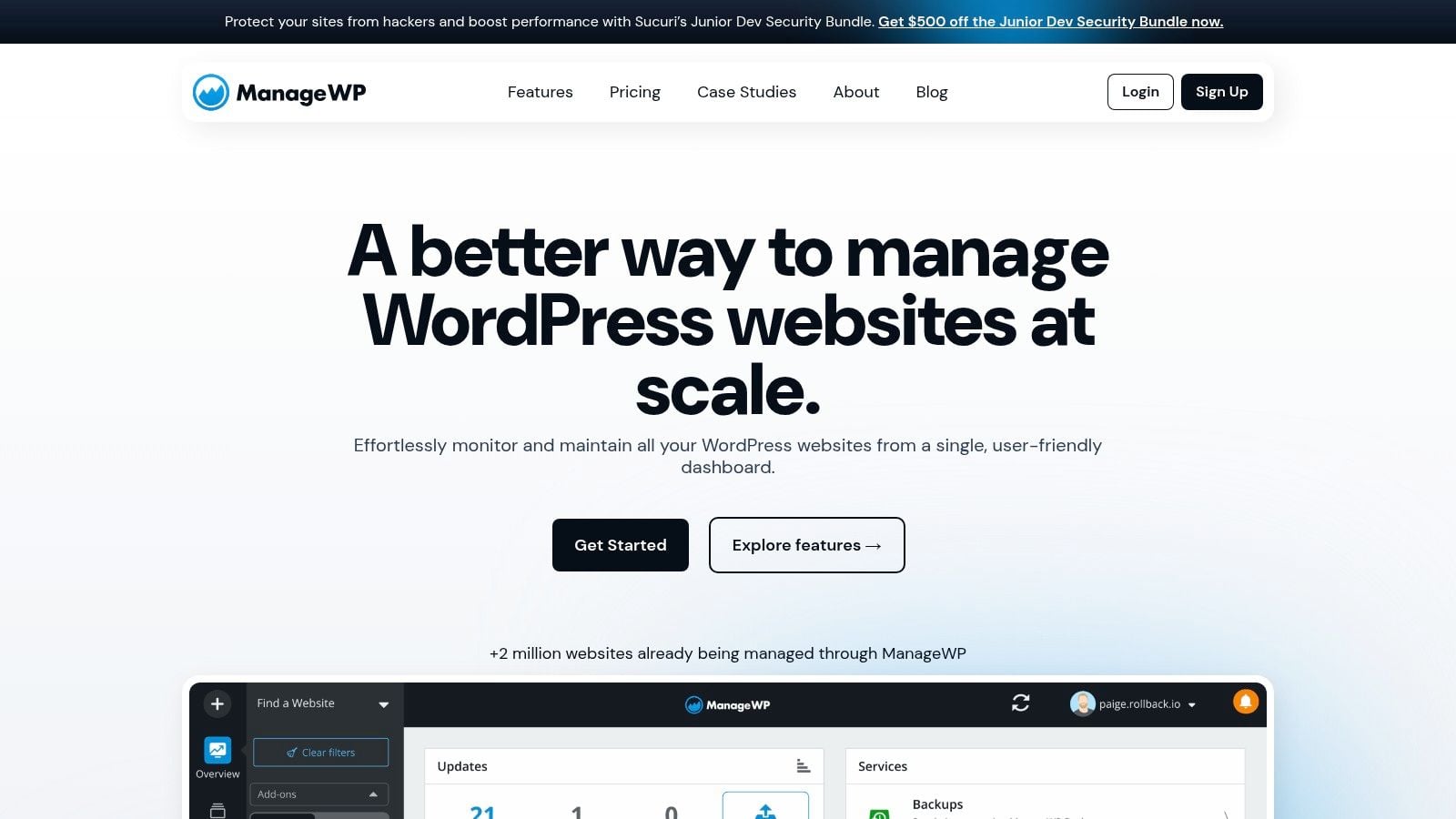
Primary job: centralized WordPress updates with optional extras. ManageWP offers free core management across unlimited sites, including monthly cloud backups, with paid add-ons for expanded backup and monitoring capabilities.
That makes it a practical starting point when you maintain several WordPress sites but don't need identical protection everywhere. A brochure site and an active donation site shouldn't automatically have the same backup schedule or monitoring configuration.
Buy add-ons for the gaps
The dashboard combines core, plugin, and theme updates with security and performance checks, reports, and maintenance mode. Optional uptime monitoring, vulnerability protection, and white-label reporting let you expand site by site.
The advantage is flexibility. The drawback is that a collection of small add-ons can become harder to forecast than a bundled subscription.
- Use it when: You want a hosted management dashboard without paying for every available feature on every site.
- Watch the backup gap: Match backup frequency to how often important information changes.
- Skip duplicate coverage: Check what your host already provides before enabling overlapping services.
Centralized updates still need a controlled process. A sound WordPress plugin maintenance workflow includes reviewing changes, preserving a restore point, and testing important pages afterward.
ManageWP is less useful for a mixed portfolio containing Wix, Squarespace, and custom applications. It can organize the WordPress portion, but you'll still need platform-independent monitoring and a separate process for everything else.
3. MainWP
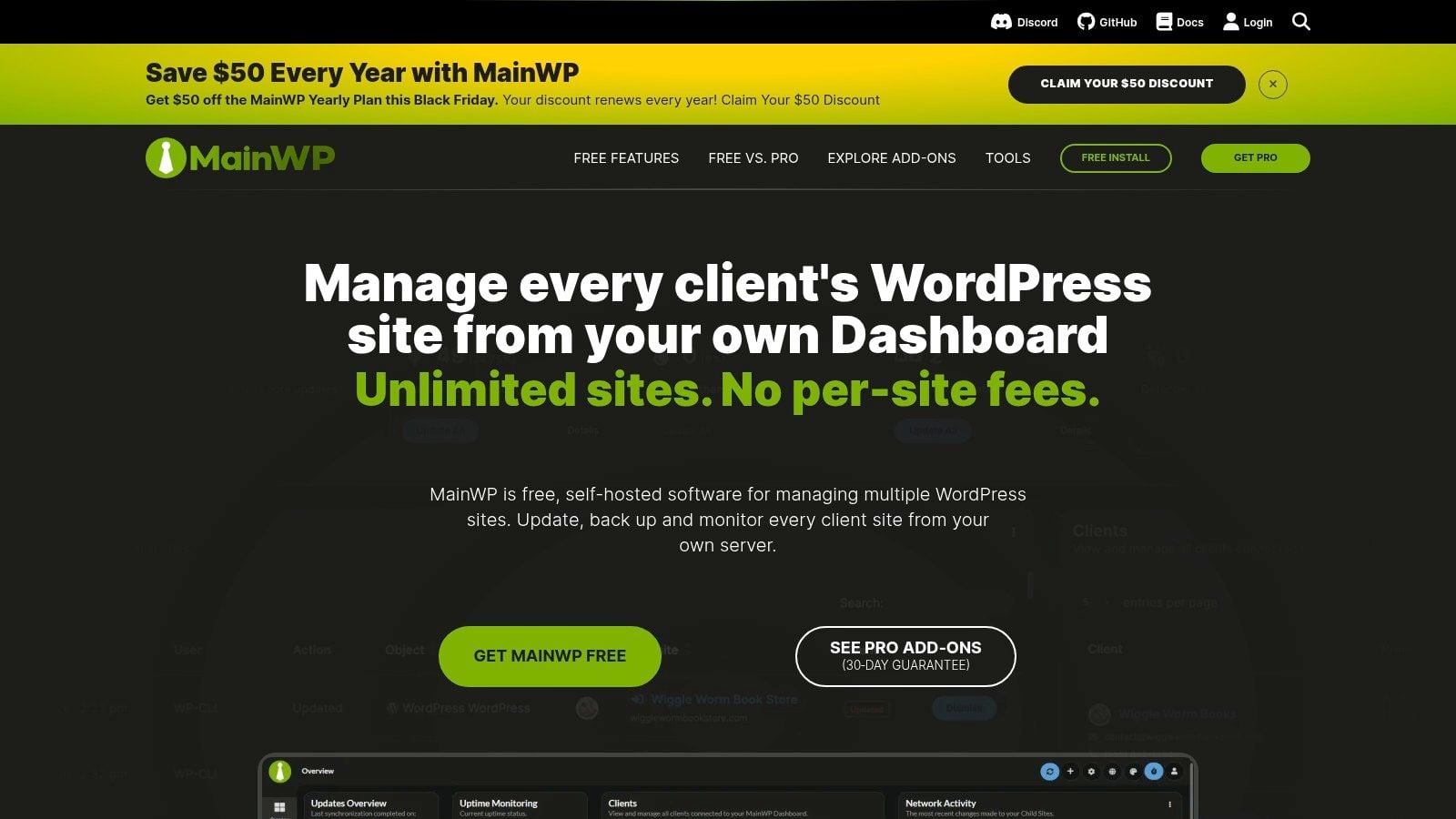
Control is MainWP's main attraction. Instead of signing into a vendor-hosted management service, you install its dashboard on a WordPress site you control and connect your other installations through child-site plugins.
MainWP provides a free, open-source core supporting unlimited sites without a per-site management charge. Paid extensions and connected services expand reporting, team permissions, security, backups, staging, and performance workflows.
Primary job: self-hosted portfolio management. It suits a technically capable owner or agency that wants control over the management environment and accepts responsibility for keeping it healthy.
A self-hosted maintenance dashboard is another system you must maintain. Include that work in the buying decision.
Where control becomes extra work
You're responsible for dashboard hosting, access controls, updates, and recovery. Keep that installation separate from public-facing content where practical, restrict administrator access, and document how connected sites authenticate.
The extension ecosystem also requires care. A management screen may coordinate another service rather than supply the underlying backup storage or security protection itself.
- Strong fit: A WordPress-focused portfolio with someone comfortable administering the central dashboard.
- Real advantage: More control over dashboard hosting and stored management information.
- Hidden cost: Setup, extension selection, compatibility checks, and ongoing administration.
I'd choose MainWP for deliberate control, not to avoid a subscription. If maintaining the management system becomes neglected work, a hosted alternative is the better buy. Saving on licensing isn't useful when nobody has time to operate the tool.
4. WP Umbrella
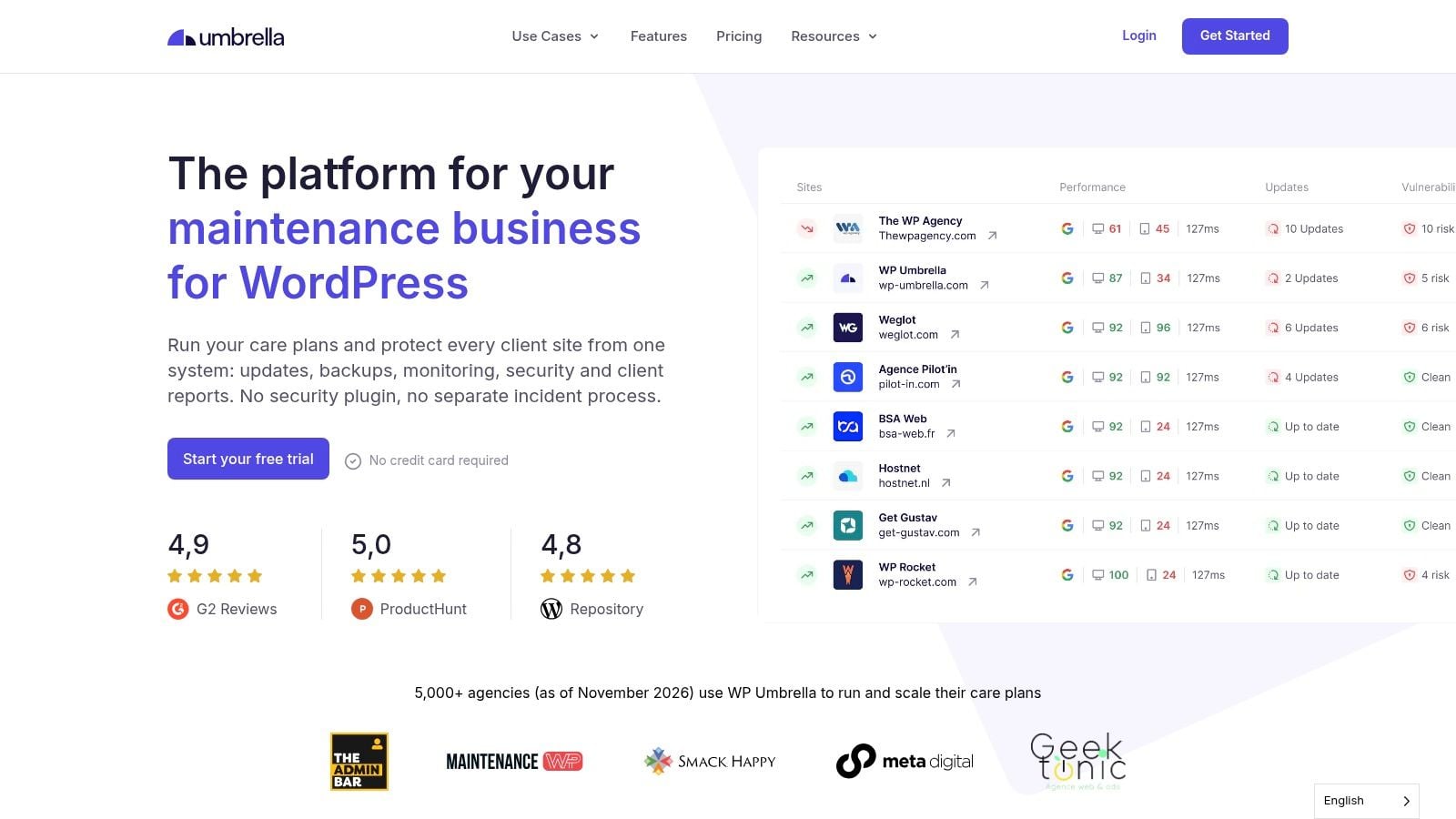
WP Umbrella takes the opposite approach to a self-hosted dashboard. It bundles WordPress maintenance operations in a hosted service, so your team can focus on connected sites rather than maintaining a central installation.
WP Umbrella uses per-website billing and offers a 14-day trial for up to five websites. Its feature set combines update management, automated backups, uptime and performance monitoring, security insights, and client reporting.
Test the workflow, not just the interface
Primary job: bundled WordPress care and reporting. The appeal is straightforward budgeting for a small portfolio and fewer separate systems to coordinate.
During an evaluation, follow an update through the whole process. Check how the dashboard presents failures, how you locate a usable backup, and whether reports distinguish completed work from unresolved problems.
- Choose it for: A hosted maintenance workflow with reporting for clients or internal stakeholders.
- Budget carefully: Per-site charges grow with the portfolio, even when individual sites need little attention.
- Keep a human owner: A security insight or failed-update notification still requires interpretation and action.
For WordPress security, version tracking matters independently of whether the site appears functional. WordPress's supported-version policy states that only the latest major release is officially supported, with no guaranteed security-fix coverage for older branches.
Pair dashboard monitoring with a practical WordPress security process. Updates are important, but so are access control, recovery, and reviewing what happens after an alert.
5. WP Remote

For a site that takes payments, bookings, or donations, recovery deserves as much attention as update convenience. WP Remote is worth comparing when you want maintenance, backup, and security functions together rather than assembled from separate subscriptions.
WP Remote combines centralized WordPress administration with plan-dependent backup retention, malware scanning, firewall features, vulnerability alerts, staging, and update-safety tools. It also lists a free option for development sites or microsites.
Primary job: integrated maintenance and recovery. Its reporting, uptime monitoring, and visual regression features can support a broader care workflow, but you need to inspect the selected plan rather than assume every feature is included.
Give staging a specific purpose
Use staging to test changes that could disrupt important journeys. Check checkout, donation forms, account access, integrations, and mobile layouts before moving a substantial update into production.
A staging copy also needs safeguards. Prevent test transactions, suppress outgoing customer emails, and avoid overwriting fresh production orders when deploying changes.
- Main benefit: Fewer separate services to coordinate for updates, security, and recovery.
- Main limitation: Important protections and backup features depend on the paid plan.
- Possible overbuy: A simple informational site may not need the full feature set.
Visual comparisons help catch changed layouts, but they don't prove that a form delivers email or a payment reaches its destination. Keep functional testing in the workflow, even when the preview looks unchanged.
6. Modular DS
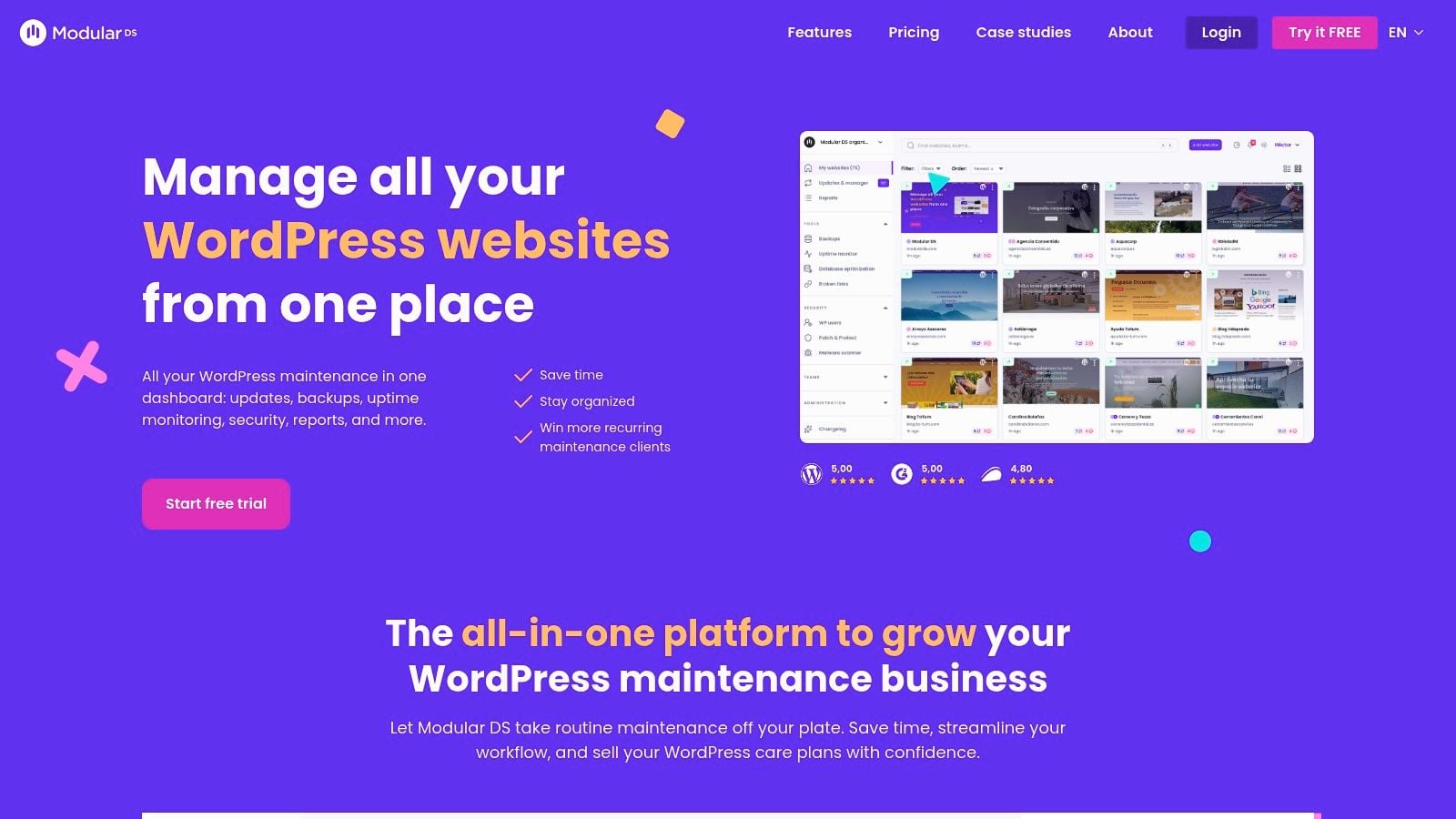
The deciding factor for a team isn't always the update button. It may be whether the right person can see a problem, take responsibility, and report what happened without sharing an administrator login.
Primary job: team-oriented WordPress maintenance. Modular DS combines centralized site management, backups, restoration, uptime and SSL monitoring, security analysis, safe updates, and reporting.
Modular DS offers a 14-day trial without a credit card, with plans that define site, user, and storage allowances. Higher plans include team seats, while storage and retention vary by tier.
Check the limits that affect daily work
Features such as Update Copilot and scheduled white-label reports are useful when they reduce repetitive coordination. They're less valuable when reports reach a client but nobody reviews the unresolved issues behind them.
Before connecting production sites, check backup storage, retention, overage conditions, and what happens when the trial ends. Media-heavy sites deserve particular attention because backup requirements can differ substantially from those of a compact brochure site.
- Good fit: Agencies and freelancers seeking a bundled, hosted workflow with team access.
- Trade-off: Defined allowances make capacity planning important as the portfolio grows.
- Coverage gap: WordPress management won't replace monitoring for a separate application or another website platform.
Avoid assigning every team member full access just because the plan allows additional users. Separate routine reporting from update and restore permissions wherever the available controls permit. Clear ownership matters more than how many people can sign in.
7. InfiniteWP
InfiniteWP deserves a look when you prefer a self-managed administration panel and bundled premium licensing. It's an alternative to both vendor-hosted dashboards and a growing collection of separately purchased extensions.
InfiniteWP has a free base panel with a site limit, while paid annual licenses bundle premium features and support for different portfolio sizes, including unlimited-site options. Its pricing information also lists a nonprofit discount option.
Primary job: self-managed WordPress portfolio administration. The strongest fit is someone comfortable installing, securing, and maintaining the panel.
Include renewals in the operating budget
A free entry point lets you evaluate the panel, but it isn't the whole ownership cost. Continued premium updates and support require renewals, and the management environment still needs hosting and attention.
For a nonprofit, a listed discount is worth checking, but eligibility and ongoing operational needs should drive the decision. Discounted software can still be the wrong purchase if nobody can maintain it.
- Advantage: Premium tiers bundle capabilities instead of requiring a separate purchase for every feature.
- Responsibility: Your team operates and protects the management panel.
- Comparison point: Evaluate the full portfolio cost, not just the entry-level license.
Keep a record of updates that failed, were deferred, or required manual intervention. NIST's enterprise patch-management guidance treats deadline compliance and time to patch as measurable maintenance responsibilities. A dashboard should help you close those tasks, not merely display available updates.
8. UptimeRobot
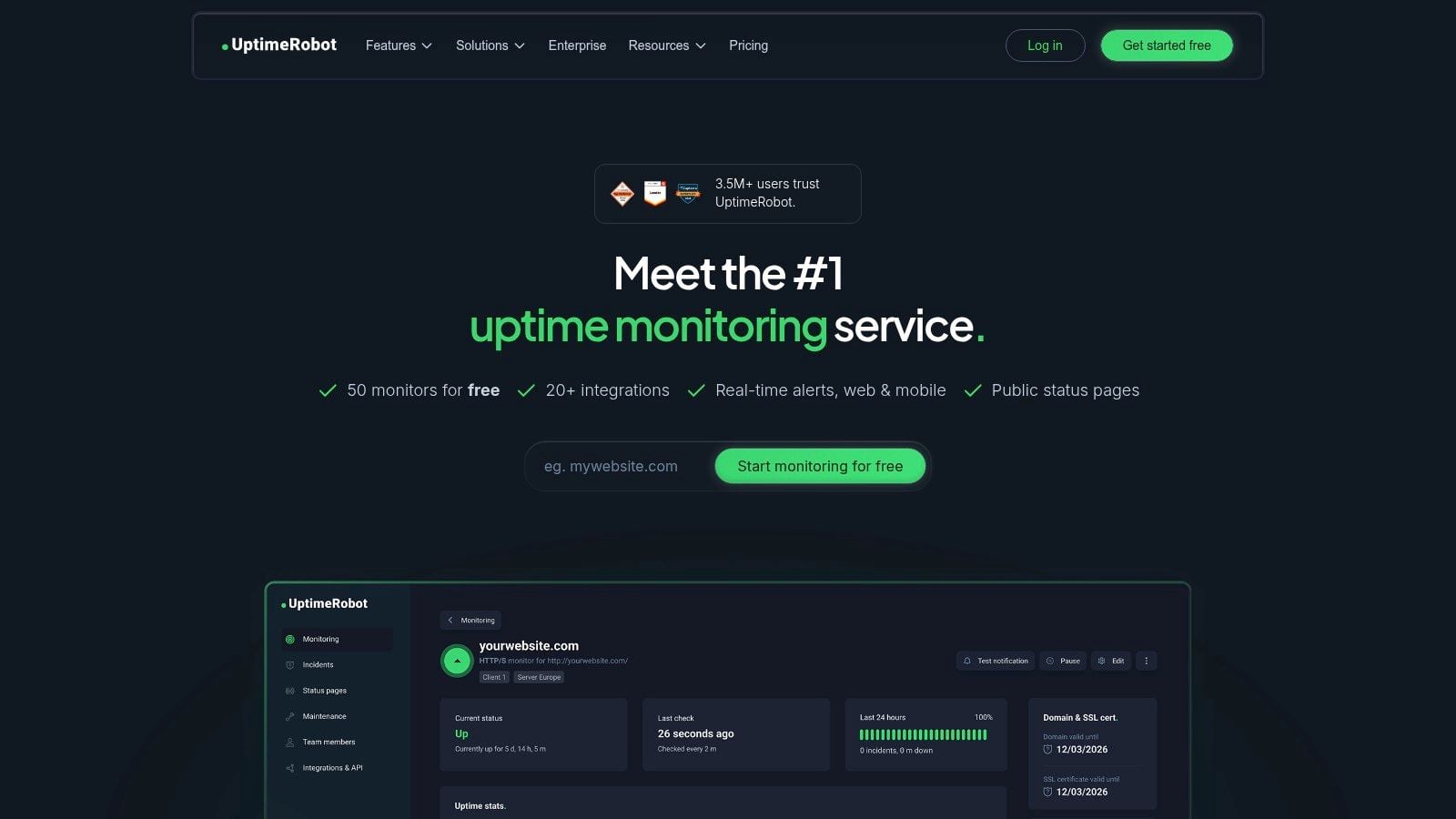
A website can be unavailable while your WordPress dashboard has nothing useful to report. External monitoring checks the site from outside its hosting environment, which makes it a separate maintenance layer rather than another update tool.
Primary job: independent availability alerts. UptimeRobot monitors websites and related services, with options for API, server, DNS, SSL, and expiration checks. Alerts, maintenance windows, response-time tracking, and status pages vary by plan.
Its free offering can be a starting point, but confirm current capacity and commercial-use terms. Faster checks, additional monitors, and team features may require payment.
Operational priority: Route an outage alert to someone who can investigate, with a backup contact when that person is unavailable.
Monitor the page that matters
Don't stop at the homepage. Monitor important service endpoints where appropriate, and use content checks when a normal HTTP response could still contain an error page.
- Useful pairing: A WordPress manager handles updates while UptimeRobot checks external availability.
- Mixed-platform strength: The same monitoring service can cover WordPress, hosted website builders, and custom systems.
- Hard limit: It doesn't restore backups, patch software, or repair a broken integration.
A successful availability check also doesn't establish that a customer can complete a booking or submit a donation. Use safe transaction tests for those journeys. If the monitoring already included in another service meets your needs, avoid paying for duplicate alerts without a clear reason.
9. Better Stack Uptime
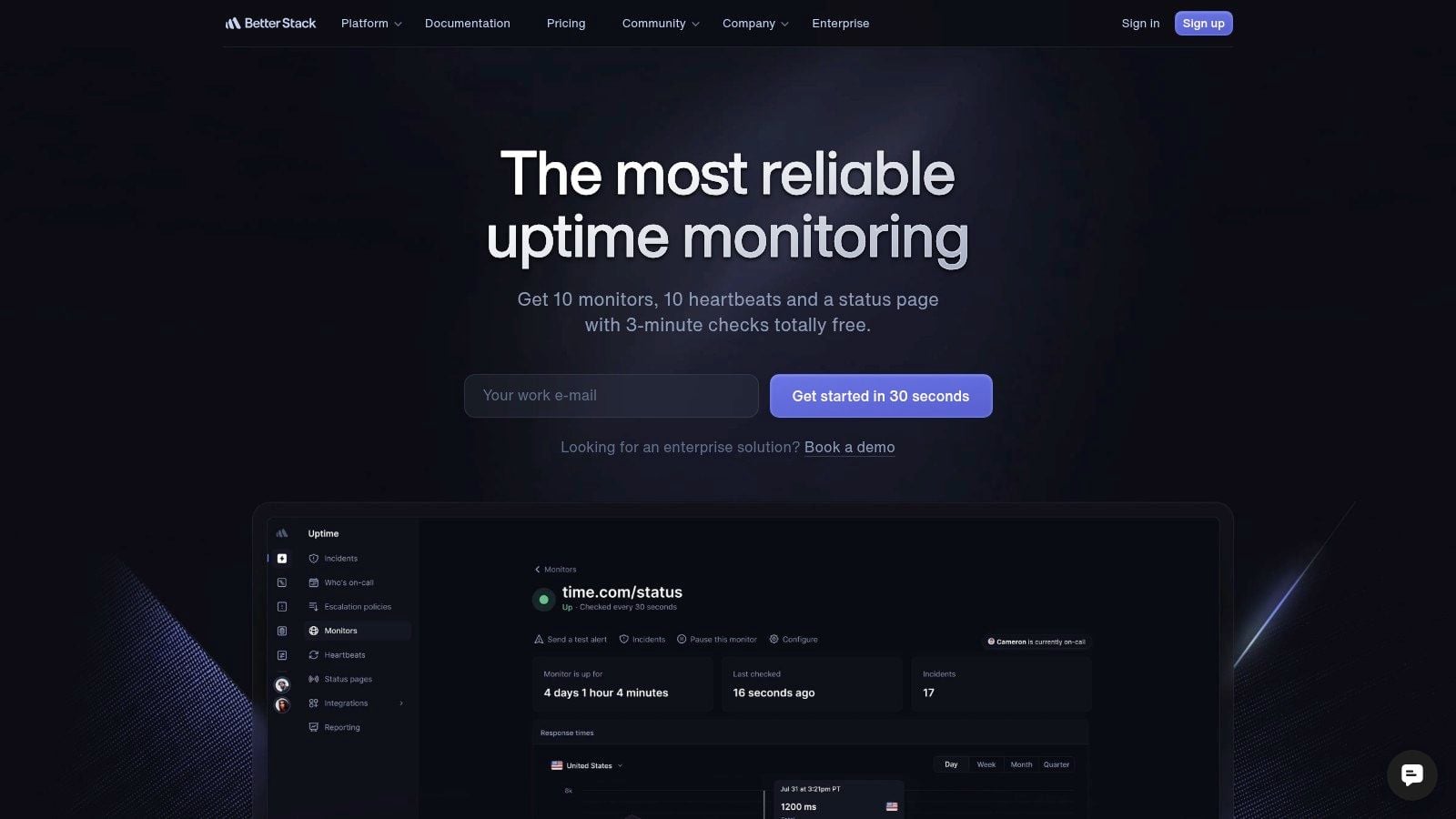
Choose Better Stack Uptime when an outage needs more context than an unavailable-site notification. It combines external checks with incident alerts and status pages, making it relevant to teams maintaining websites alongside applications or APIs.
Better Stack Uptime includes HTTP keyword checks, error screenshots, response-time tracking, maintenance windows, and SSL and domain monitoring. Integrations such as Slack and Microsoft Teams depend on the plan, and a free tier supports small-scale monitoring.
Pay for incident visibility when you need it
Primary job: outage detection and investigation support. Error screenshots can help show what visitors encountered, while checks for APIs and ports extend coverage beyond a public website.
The trade-off is complexity. Its broader observability and incident tooling may be unnecessary for a simple brochure site, and separately priced capacity or features can affect total cost.
- Choose it when: Several people need clear incident information and coordinated notifications.
- Check before buying: Which alert channels, monitoring capacity, and status-page capabilities your selected plan includes.
- Don't expect: Backups, centralized WordPress updates, or automatic repair of the underlying problem.
Response time isn't a complete measure of page experience. Google's Core Web Vitals documentation sets good thresholds at LCP of 2.5 seconds or faster, INP of 200 milliseconds or less, and CLS of 0.1 or lower. Use field-performance reporting alongside uptime monitoring rather than treating a fast server response as proof of a usable page.
10. Jetpack VaultPress Backup
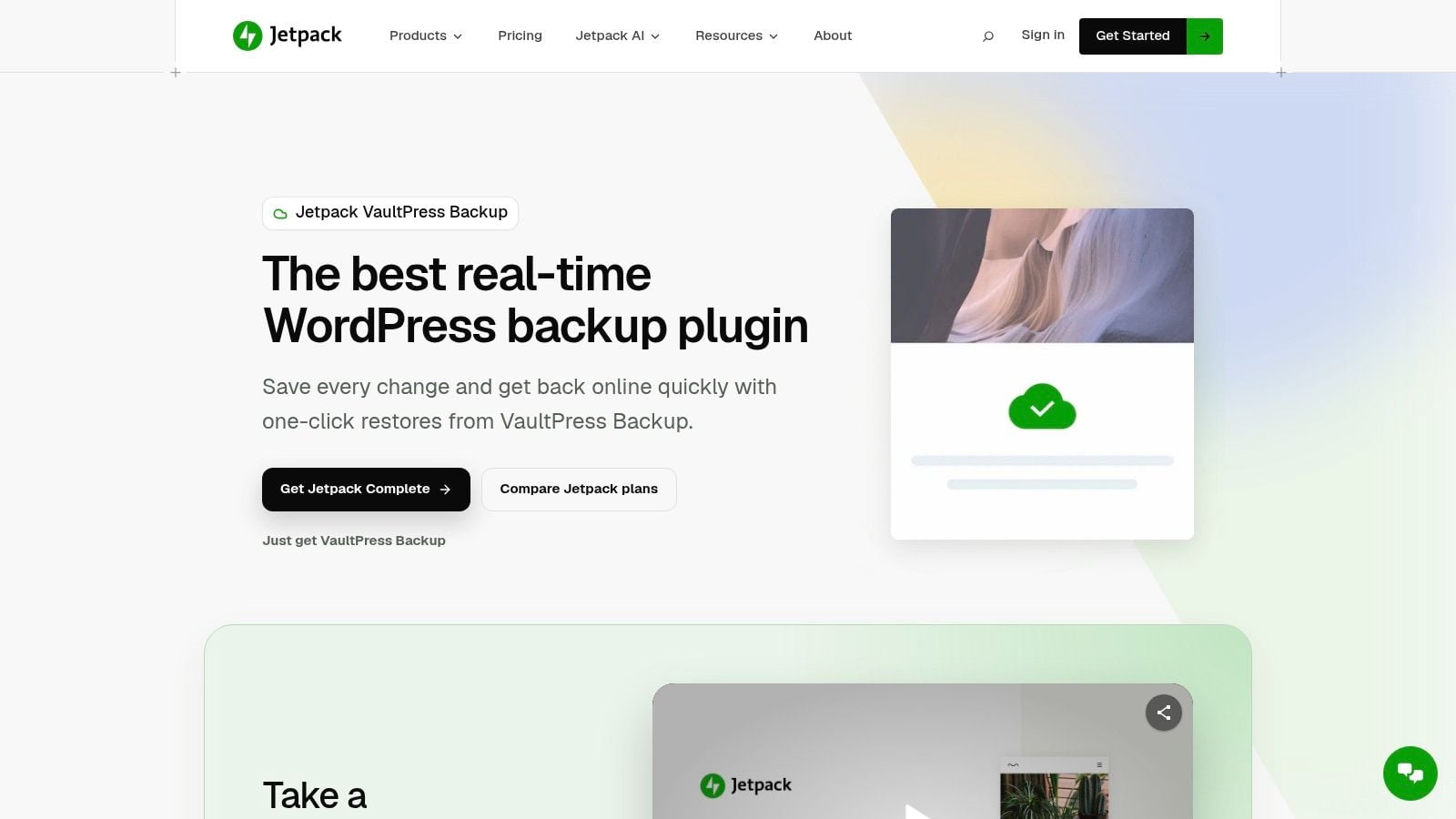
If backups are the missing layer, you don't necessarily need another management dashboard. Jetpack VaultPress Backup focuses on preserving recoverable WordPress data and making restoration accessible.
Jetpack VaultPress Backup provides cloud backups for site files and databases, with real-time backup options and one-click restoration. Plans support one WordPress site each, so a portfolio requires budgeting across separate subscriptions.
Primary job: off-site recovery. Cloud storage separates backups from the hosting environment, while activity logs and retention depend on the selected plan. Security bundles can add scanning and spam protection.
Test recovery before relying on it
A completed backup notification isn't a recovery test. Restore into a safe environment, check files and database content, and verify important pages and functions without sending real customer messages or processing live transactions.
- Best fit: A WordPress owner who needs backup coverage rather than centralized portfolio management.
- Buying concern: Storage, retention, and optional add-ons can change what the subscription covers.
- Remaining gap: You still need update ownership, availability alerts, and a response process.
Use the same principles when comparing broader cloud backup solutions for small businesses: separate storage, usable restore access, and documented recovery steps.
WebinOne's WordPress backup playbook offers another planning reference. For active stores or donation sites, also decide how to preserve new transactions during recovery. Restoring an older database can remove legitimate activity recorded after that backup.
How the featured maintenance tools differ on scope, free options, and billing
| Tool | Primary Job | Free Option | Billing Model | Best Fit |
|---|---|---|---|---|
| ManageWP | Manage and maintain multiple WordPress sites | Free core features across unlimited sites | Pay-as-you-go optional add-ons | Small businesses and agencies wanting flexible WordPress management |
| MainWP | Self-hosted management of multiple WordPress sites | Free core supports unlimited sites | Optional paid Pro extensions | Technical teams wanting control without per-site fees |
| WP Umbrella | Hosted WordPress maintenance, monitoring, and reporting | 14-day trial for up to five sites | Per-website billing | WordPress businesses and agencies wanting a hosted dashboard |
| WP Remote | WordPress maintenance, backups, and security | Free option for development or microsites | Paid plans priced per site | WordPress owners or agencies seeking integrated recovery and security tools |
| Modular DS | Hosted WordPress maintenance and client reporting | 14-day trial without a credit card | Plans with site and user limits | Agencies and freelancers wanting bundled maintenance |
| InfiniteWP | Centralized management of multiple WordPress sites | Free base panel with a site limit | Paid annual licenses | WordPress managers comfortable maintaining their own panel |
| UptimeRobot | Monitor website and service availability | Free plan for basic monitoring | Free and paid plans; advanced capacity costs extra | Teams needing platform-agnostic outage alerts |
| Better Stack Uptime | Uptime monitoring, incident alerts, and status pages | Free tier for small-scale monitoring | Usage-based costs for some capacity and features | Businesses wanting broader outage and incident visibility |
| Jetpack VaultPress Backup | WordPress cloud backups and restoration | Free option not listed | Paid plans; storage and retention vary | WordPress users primarily needing off-site backups |
Build a Stack You Can Keep Running
Most sites need a tested backup, uptime alerts that reach a real person, and a clear owner for updates before they need a large maintenance bundle. Start there, then add capabilities when the consequences of failure justify the cost and effort.
For a WordPress starter site on a tight budget, use the host's backup service if its recovery process meets your needs, add independent uptime monitoring, and assign update responsibility. Add ManageWP if centralized administration solves a real problem. Don't buy a portfolio dashboard just to avoid signing into a site you rarely change.
Match the stack to the operating model
- Small WordPress portfolio: Compare ManageWP's selective add-ons with the bundled approach of WP Umbrella, WP Remote, or Modular DS. Buy a hosted workflow if maintaining the dashboard itself would become neglected work.
- Technically managed portfolio: Compare MainWP and InfiniteWP when control matters and someone can maintain the central environment.
- Wix or Squarespace site: Skip WordPress managers. Focus on external monitoring, domain ownership, content safeguards, platform recovery options, and testing forms and integrations.
- Revenue-critical site or custom application: Add staging, functional tests, incident coordination, and performance reporting before treating routine updates as sufficient coverage.
Staging belongs earlier when a site accepts payments or depends on complex integrations, even if traffic is modest. Performance tools deserve attention when visitors struggle to load or use important pages, not only after revenue reaches an arbitrary target.
Accessibility remains a human responsibility. Scan after releases and substantial content changes, then manually test keyboard navigation, form errors, and critical journeys periodically. Keep an issue log with an owner and remediation status; an automated scan isn't a compliance guarantee.
Performance work can also reduce unnecessary page weight. The 2025 EcoWeb report, analyzing 507 sustainability-focused websites, found average estimated emissions of 1.87 grams of CO2 per page view. Treat emissions estimates as another diagnostic, not a reason to remove useful media or accessibility support.
Remove duplicate subscriptions before adding another dashboard. Then identify the work nobody currently owns.
Confirm pricing, retention, storage, and free-plan terms on each vendor's page before buying. If you'd rather hand off monitoring, updates, and fixes, Bruce & Eddy's Support Retainer covers ongoing website care, and a free consultation is a reasonable starting point.
Bruce and Eddy offers managed hosting, security, and ongoing support for the monitoring, updates, fixes, and improvements your website needs. Visit Bruce and Eddy to arrange a free consultation and discuss which maintenance responsibilities you want to keep and which you'd rather hand off.
